The apps/Home-screen personality
Alarm Clock
Neon.
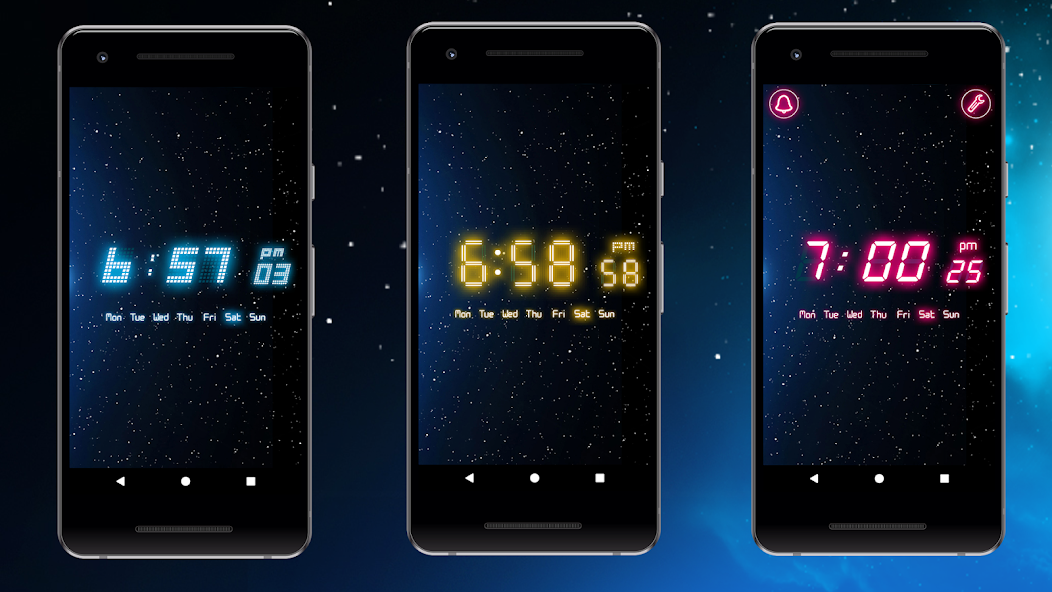
Put your color on the clock. Personalize your home-screen widget, then switch to a full-screen clock when the day winds down.
For Android. Contains ads · In-app purchases.
Make it yours
A different color.
A familiar glance.
A home-screen widget keeps time alongside your apps. A full-screen clock gives the display to the time.
Color your home screen
Customize the widget’s font color and transparency to fit the look of your home screen.
Carry the color through
Adjust the app’s colors and use its full-screen clock with brightness adjustment.
Pick your wake-up interaction
Choose shake or math alarm dismissal in the app.